· 4 min read
This article is about how you can get Azure credits for learning. Before we get into the technical details, let's look at the different ways you can set up your Azure account. Whether you're a college student, a working professional, or a startup founder, there are specific ways to begin your journey with the cloud.
Scenario you're in:#
#1-You’re a college student with a college ID registered with Microsoft.#
Microsoft for Students: Azure for Students
As a college student with a college ID, you can use the “Azure for Students” offer. This provides you with free Azure credits and tools to help you learn and experiment with cloud technology.
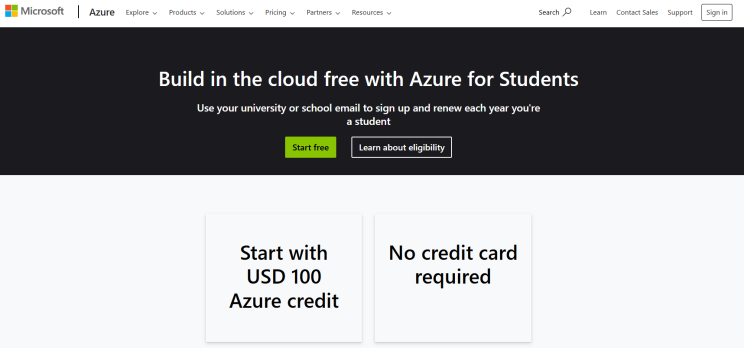
If you have a college ID, this is the video you need to watch. It will guide you through setting up your Microsoft Azure account quickly. You won't need to enter any debit or credit card details; you’ll only use the $100 credit provided. Just follow this link to get started: Reference Video
#2-You're a college student, but you don't have a college ID or it's not associated/registered with Microsoft:#
Free Trial: Azure Free Trial
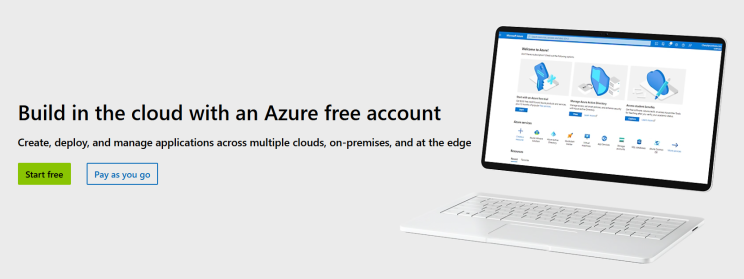
If you don't have a college ID or it’s not linked with Microsoft, you can use the Free Trial option. Sign up for Azure using a new email address, and you'll receive $100 in credits for a month. Remember, while the free account lasts for 12 months, you'll need to use your credits
#3 - You’re a working professional, and your organization uses Azure#
If your organization uses Azure, you’re in luck. Since you’re already familiar with Azure, this is a great way to showcase your skills and participate in the community. Check out the additional methods I’ve shared later in the article for more opportunities.
#4 - You’re a working professional, and your organization doesn’t use Azure#
If your organization doesn’t use Azure, you can still take advantage of the different opportunity.
#5 - You’re a young startup founder#
As a startup founder, Microsoft offers you access to mentorship programs and cloud credits through their Microsoft for Startups initiative. If you're interested in joining a network of Microsoft-affiliated startups, this could be a great opportunity for you.
Ways to Obtain Azure Credits:#
#1 - Microsoft for Students:#
Website: Azure for Students
Benefit: When students sign up with their school email address, Microsoft provides $100 in credits. This allows them to advance their careers and develop skills in Azure, with free access to learning paths, labs, and professional developer tools.
#2 - Azure Free Account:#
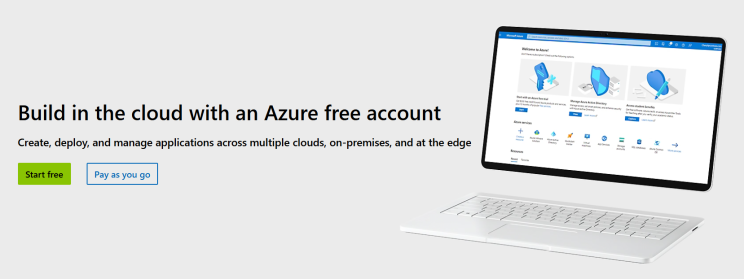
Website: Azure Free Account Benefit: A free account gives you $200 in credits to explore Azure without a long-term commitment. It's ideal for beginners and those looking to deepen their knowledge.
#3 - GitHub Student Developer Pack:#

Website: GitHub Student Developer Pack / Azure for Students - GitHub Tab Benefit: Provides $200 in Azure credits for students and educators. Perfect for those learning or teaching advanced Azure skills.
#4 - Microsoft for Nonprofits:#
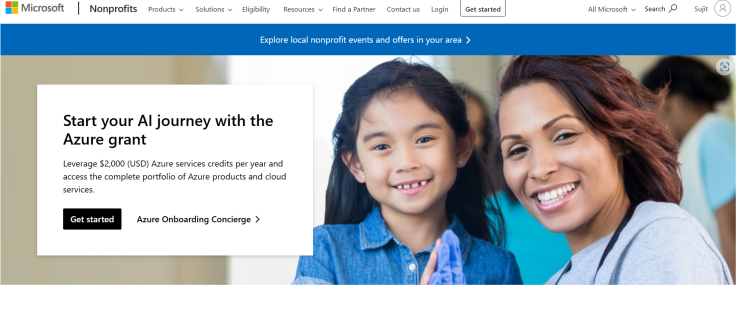
Website: Microsoft for Nonprofits Benefit: Approved organizations receive $3,500 in annual Azure credits, excluding Azure Active Directory. A great option for organizations needing Azure services.
#5 - Microsoft Partner Network:#

Website: Microsoft Partner Network Benefit: Members of the Action Pack program get $100 in Azure credits each month for any Azure services based on their needs.
#6 - Visual Studio Subscription:#
Website: Visual Studio Subscription Benefit: Subscribers receive monthly Azure credits depending on their subscription type. These can be used for exploring and testing Azure services.
#7 - Microsoft Azure for Research:#

Website: Microsoft Azure for Research Benefit: Grants provide $100 in Azure credits to support research projects. Additional benefits may be available if selected as a Research Scholar at Microsoft.
#8 - Microsoft Imagine Cup:#

Website: Microsoft Imagine Cup Benefit: Participants earn Azure credits as part of the global hackathon. No payment method is required, and you can explore Azure freely, with the option to upgrade later.
In conclusion, no matter your current status—whether you're a college student, a working professional, or a startup founder—there are plenty of ways to access Azure credits to boost your learning and development. From specialized student offers to free trials and startup programs, Microsoft provides ample opportunities to explore Azure without financial constraints.
Originally published in picklebytes on LinkedIn.